Why VoIP apps miss calls, and how voip4calls stays reachable
Android stops idle apps from holding a connection, so VoIP calls go unanswered. Here is what voip4calls does about it, and what it costs the battery.

A VoIP number is cheaper and more flexible than a mobile number, and it has one well-known fault: calls to it get missed. The phone sits in a pocket, a client rings, and nothing happens. Later a missed call appears, or nothing appears at all.
That is why so many people keep a VoIP app for calling out and give their mobile number to everyone who matters.
Why it happens
To ring, a VoIP app has to be connected to your provider at the moment the call arrives. Android saves battery by putting idle apps to sleep and closing what they hold open. An app that does nothing about this is connected while you look at it and unreachable soon after you stop.
What voip4calls does
The app keeps its connection to your provider open in the background, and it is built to do that cheaply. It works with any provider and it needs no server of ours in the middle: the call still goes between your phone and your provider.
- A call rings with Android’s own call screen, with the app open, closed or the phone locked.
- After a restart or a lost network, lines reconnect by themselves.
- The cost is held to under 1 % of battery an hour while the phone is idle and the line is Ready.

When the phone itself gets in the way
Some phone makers stop background apps more harshly than Android asks them to. Where that is so, voip4calls shows you the one setting to change, once, and takes you to it.
It tells you the truth
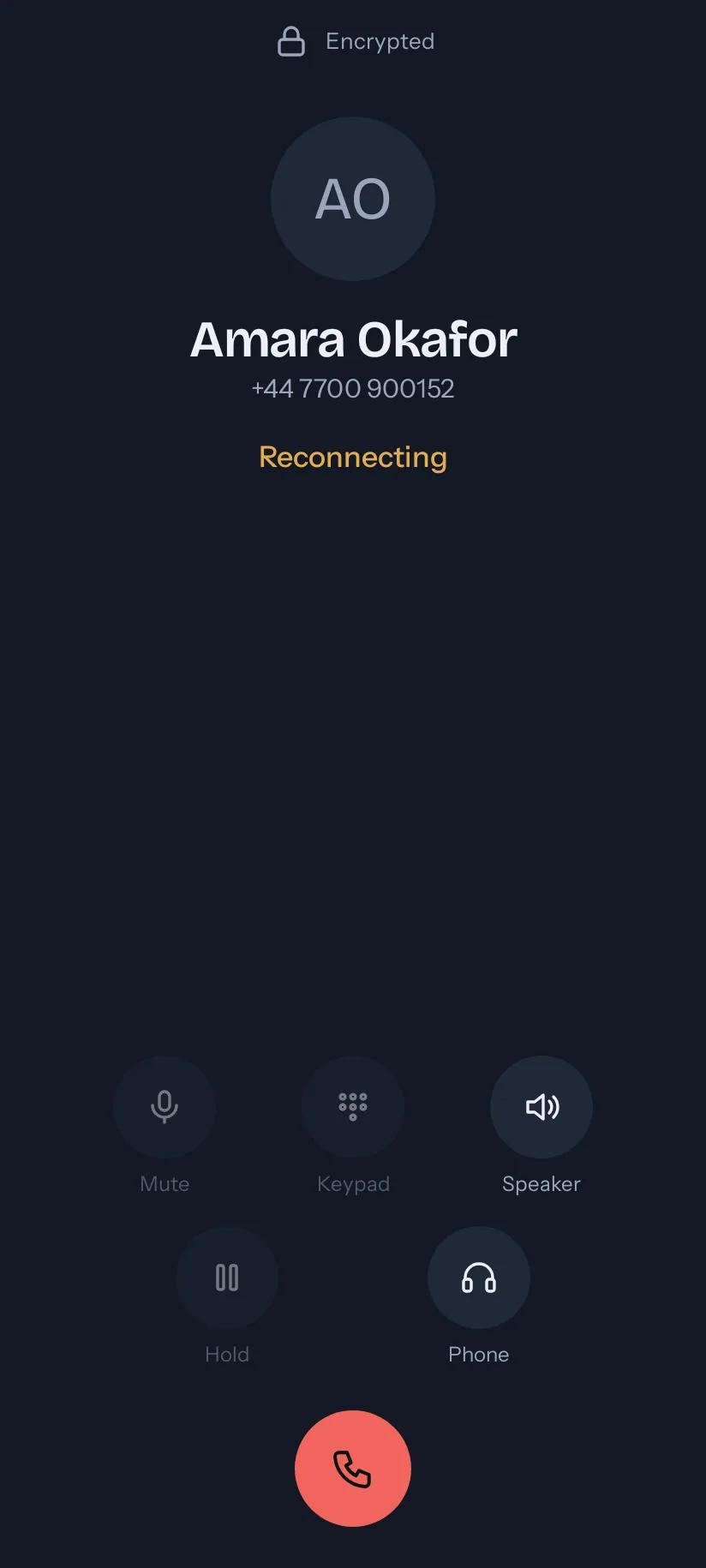
Each line says whether it is Ready, Connecting or Not connected, and why. If a call could not ring, the app reports it. A line that says Ready is a line you can give to a client.