A call that carries on when you leave Wi-Fi
What happens to a VoIP call between the front door and the street, and why with voip4calls you no longer have to redial when the network changes.
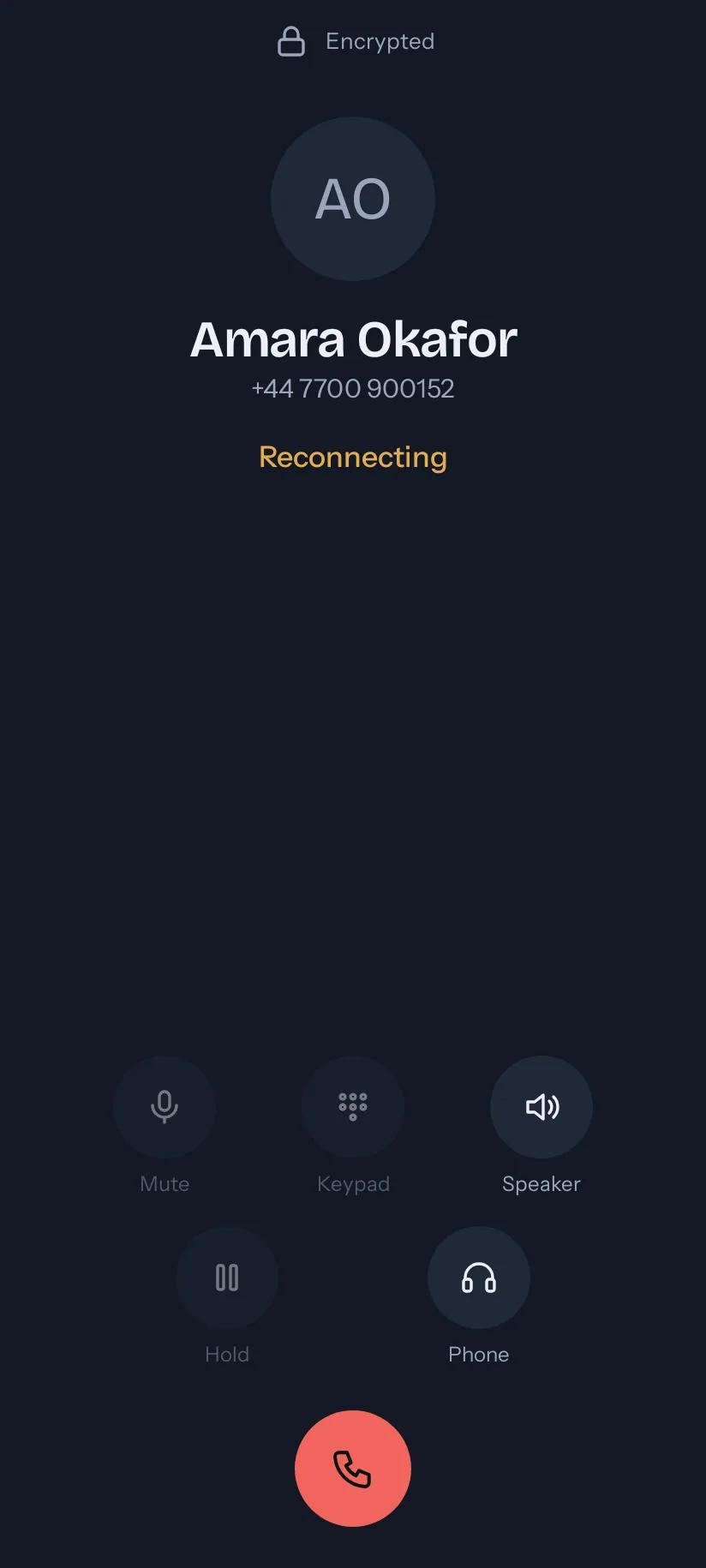
You take a call at your desk and walk out of the building. Somewhere near the door the Wi-Fi fades and the phone moves to mobile data. With most VoIP apps that is where the call ends.
The call moves with the phone
voip4calls notices the network changed and carries the call across to the new one. Usually you hear a short gap and nothing more. The call screen says Reconnecting while it happens, so you know to wait and not to hang up.

Up to 30 seconds with no network at all
A lift, a stairwell or a tunnel can leave the phone with nothing. The call waits for up to 30 seconds and comes back when a network does. If it cannot come back, the app says so plainly, and Recents keeps a one-tap call back.
Nothing to set up
There is no switch for this and nothing to choose. The connection is the app’s problem. You never reconnect and you never redial.

